Seedance 2.0 AI Video Generator
Prompt Guide
Learn how to write effective prompts for Seedance 1.5 Pro Text-to-Video and Image-to-Video
to help you quickly get started with video creation and turn ideas into cinematic video content.
Tips for Image-to-Video Prompts
Transform your static images into dynamic videos with these proven prompt strategies
1Basic Prompt Words
Essential Guidelines
- Basic structure: Since text-to-video already has a scene, try to reduce (or even avoid) descriptions of static/unchanged parts.
- Simple and direct: The model will expand the prompt based on our expressions and understanding of the image, generating videos that meet expectations.
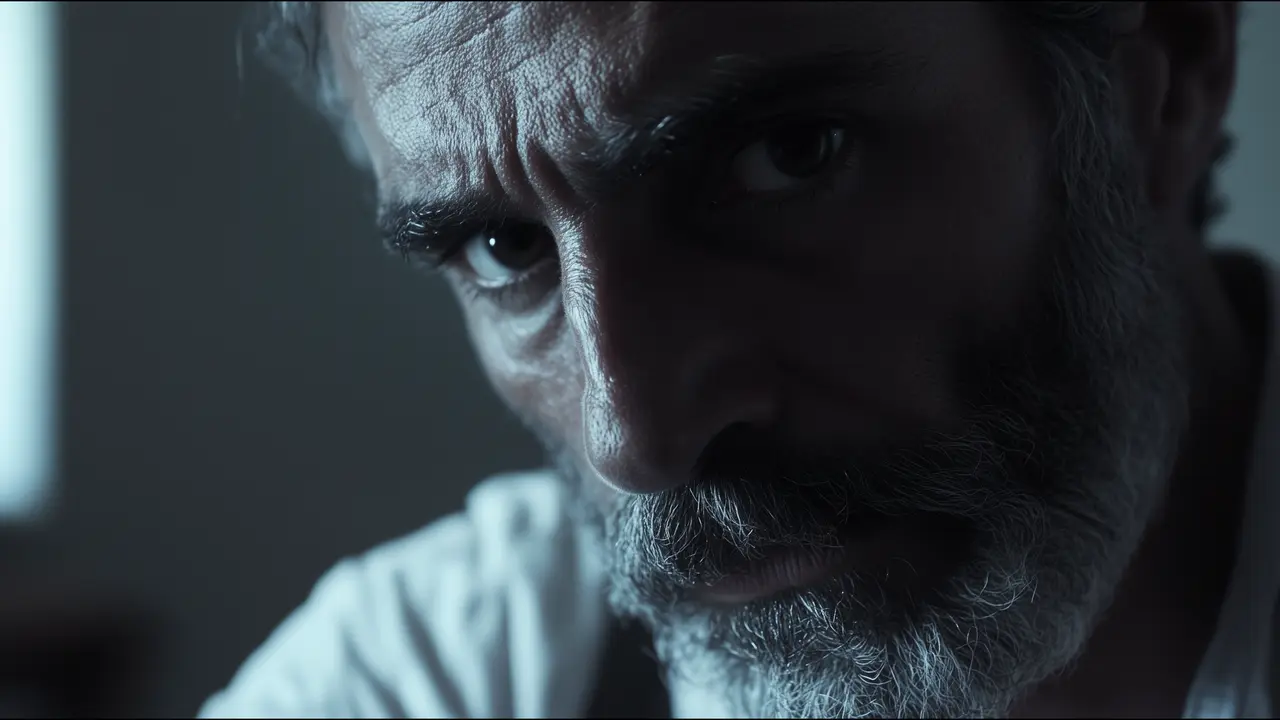
- Feature description: When the main body has some prominent features, add the prominent features to better position the main body, such as "an old man," "a woman wearing sunglasses," etc.
- Follow the picture: You need to write based on the content of the input picture, and you need to clearly write the main body and the action or mirror movement you want to do. It is necessary to pay attention that the prompt words should not contradict the facts of the picture content/basic parameters.
- Negative prompts do not take effect: The model does not respond to negative prompts.
Generate video (single subject + single action)
Input
Generated Video
| Input parameter | Intermediate result (not displayed) | Generate video (single subject + single action) |
|---|---|---|
Prompt: The old man wears glasses Basic parameters: Fixed lens, 720p, 10s | According to the input image, the model will obtain scene information: Cool-colored, close-up shot of a bearded, middle-aged, white man with a furrowed brow, fierce eyes and a serious expression looking to the right. He has a gray beard, a wrinkled face, large, deep eyes, a high nose bridge, prominent nostrils, visible wrinkles and nasolabial folds around the eyes, and a light-colored shirt. The background is blurry. |
2Multiple Consecutive Action Prompt Words
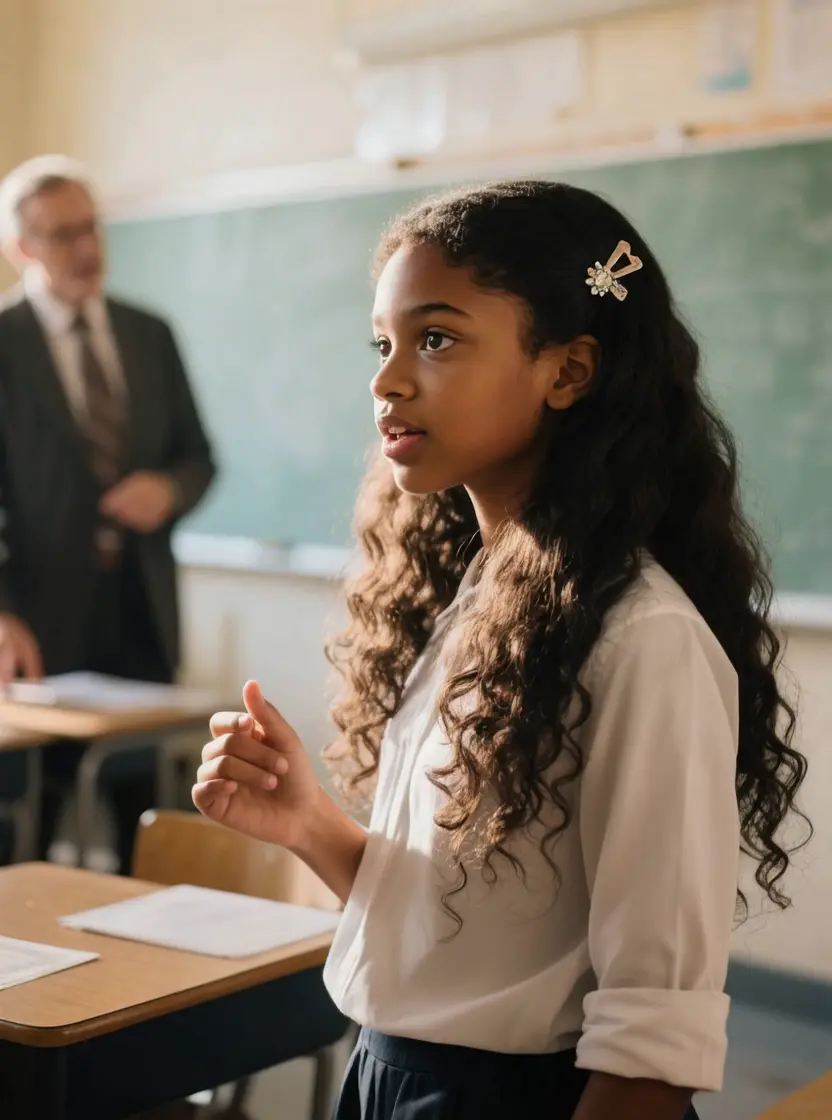
The model has a strong response to the quality of multi-beat actions, supports multiple sequential actions of timing, and different actions of multiple subjects. You can try to write:
Just list them in turn, and the model will expand the prompt words according to our expression and understanding of the image to generate a video that meets the expectations.
Input
Generated Video
| Input parameter | Generate video |
|---|---|
Prompt: The camera focuses on the teacher in the background, the girl in the foreground becomes blurred, and the teacher curses very angrily Basic parameters: Unfixed lens, 720p, 5s |
3Mirror Movement Prompt Words
You can use natural language to describe the lens change you want in the prompt word, and support surround, aerial, zoom, pan, follow, handheld and other mirror movements, as well as lens switching. Lens language response is the strength of Seedance 1.5 Pro.
- When writing consistent multi-shot prompt words, it is necessary to write down the internal connection between the shots.
- The change of shots is connected by the clear prompt word "camera switch".
- If the scene changes after cutting, you need to describe the new scenario.
- When there is a mirror movement prompt word, choose "not fixed lens" for the basic parameters.
- The mirror movement prompt word also applies in Text-to-Video scenes.
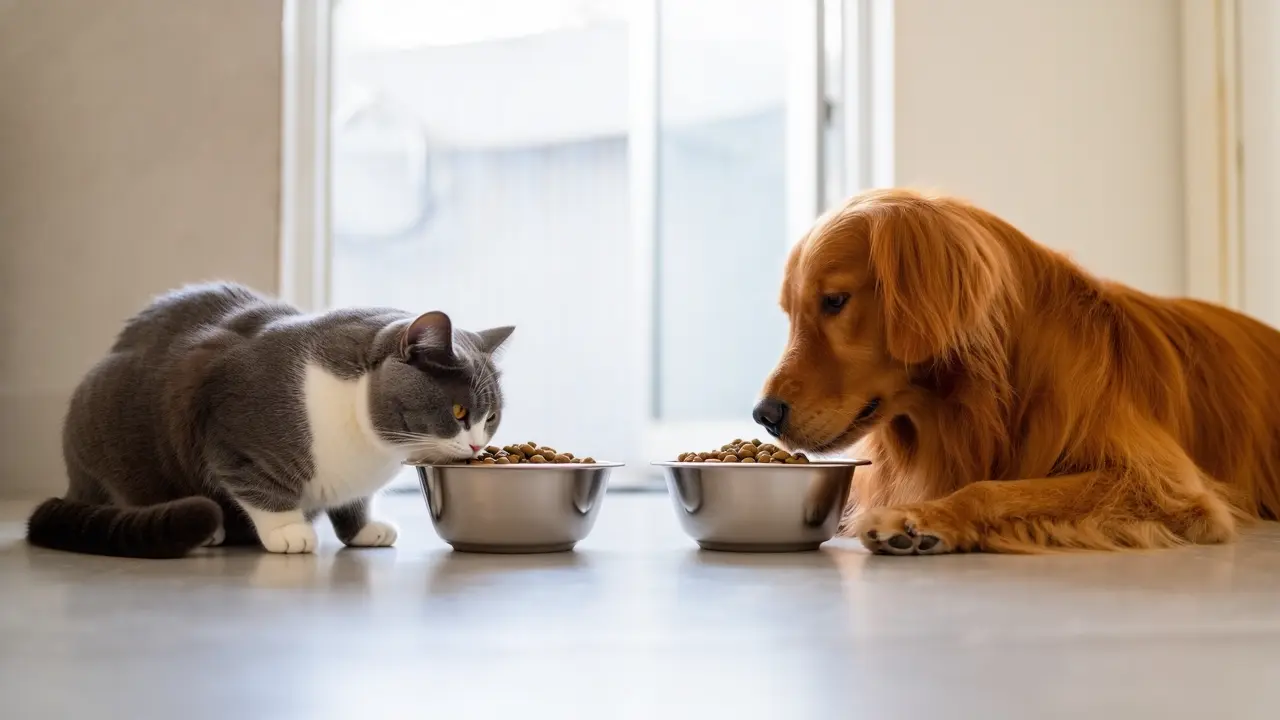
Shot Switch Example
Generated Video
| Mirror movement | Prompt words | Input parameter | Generate video |
|---|---|---|---|
Shot Switch | Shot Switch | Prompt: Kittens and puppies eat cat food.Shot Switch. Close-up cat food is distinct. Basic parameters: Unfixed lens, 720p, 5s |
4Adverb of Degree
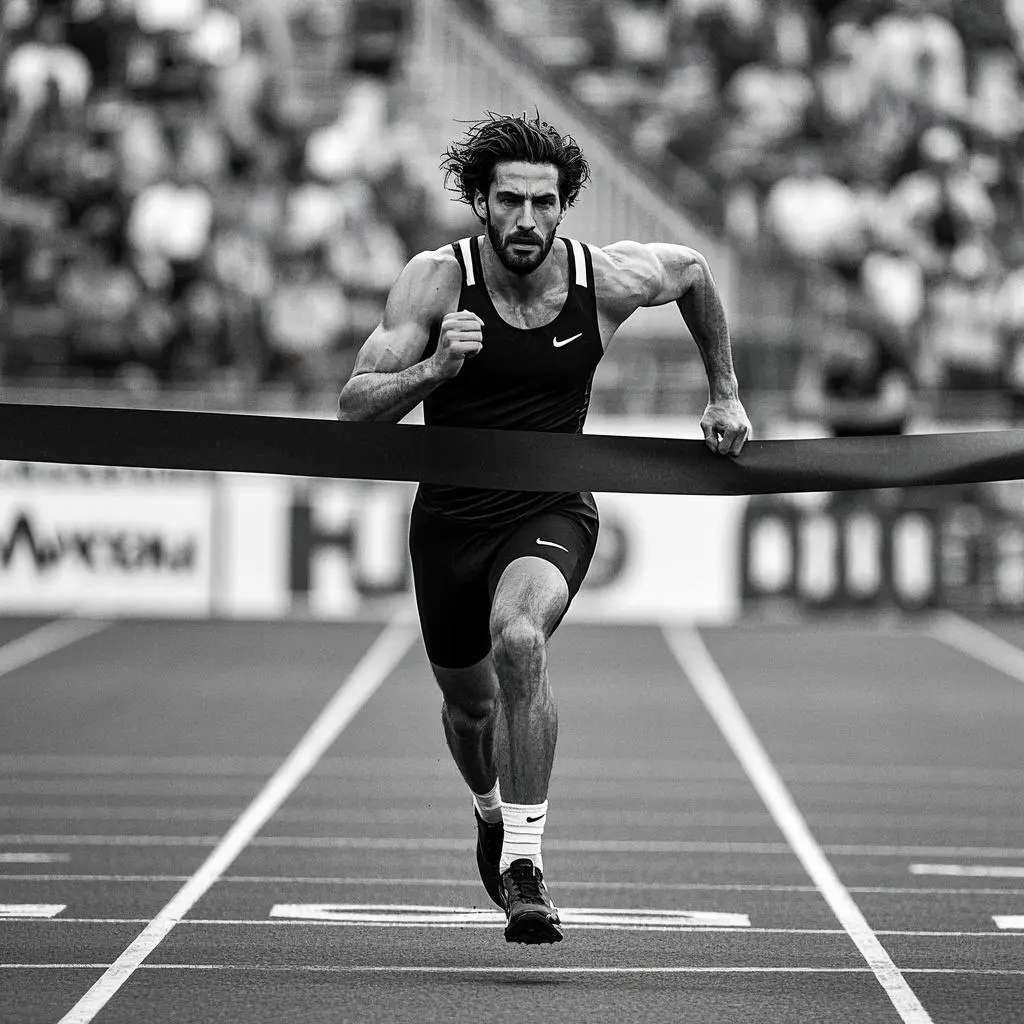
If you want to highlight the frequency and intensity of the action in the video, or the characteristics of the subject, use the adverb of degree reasonably.
clear: The model cannot obtain the degree of motion from the input reference map, so it must be clear in the prompt, otherwise the model will supplement according to its own understanding, which may deviate from the user's intention. For example, "car passing" is changed to "car passing quickly".
Appropriately exaggerate the degree to enhance the video's expressiveness: such as "man's roar" is changed to "man's crazy roar", "wing flapping" is changed to "wing flapping greatly", it will be easier to approach the desired effect.
Degree prompt words: quickly, violently, with large amplitude, at high frequency, powerfully, wildly...
Input
Generated Video
| Input parameter | Generate video |
|---|---|
Prompt: An athlete in a professional tracksuit. Legs alternate rapidly, arms swing powerfully, sprinting with all his strength on the field. After crossing the finish line, the audience erupts in cheers. The screen uses a follow-shot perspective to fully showcase the details of the athlete crossing the finish line. Basic parameters: Unfixed lens, 720p, 5s |
Text-to-Video Tips
Create videos from scratch using detailed text descriptions
1Basic Prompt Words
Prompt words = subject + movement + scene + shot, style...
Subject + motion + scene are the core and basic elements. The model will expand the prompt words to generate a video that meets expectations.
With reference to the guidance on Prompt words for Image-to-Video, elements such as continuous actions, camera movements, and adverbs of degree also apply to Text-to-Video. Negative Prompts do not elicit responses.
How to better describe what you need:
Detailed character description: Pay attention to the appearance, dress, and posture of the characters.
The presentation of environmental details: A detailed description of the natural environment (e.g. mountains, deserts, waterfalls, etc.) or the built environment (e.g. studios, bathrooms, etc.) can help you emphasize the visual and sensory experience of the scene.
The marriage of emotion and dynamics: By depicting the emotional states and environmental dynamics of the characters, a rich narrative is created.
Rendering the atmosphere: Usually we have some techniques for rendering the atmosphere in visual presentation. For example, we can use descriptions of light: dusk, early morning, dim, warm light, etc.
T2V
Example 1
Example 2
Prompt: Portrait photography with a sense of design, psychedelic cold light blue tones, butterfly light, close-up shot of a young white woman. She has high-level short black hair, raised eyebrows on the right, thick eyelashes, high nose bridge, biting red lips, and staring disdainfully at the camera. The camera pulls back, and the foreground is broken glass in the air, which blocks part of the woman's face. Basic parameters: Unfixed lens, 720p, ratio 16:9, 5s | Prompt: In the winter valley where the snow is falling, a bright and beautiful young white woman in a close-up shot turns her head sideways to look at the camera. She has long black wavy hair, a pointed chin, bushy raised eyebrows, deep eye sockets, red eyes, dark eyeshadow and upturned eyeliner, straight nose, thick lips, very bright red lips, clear jaw line, very long nails, red manicure. The woman is wearing a black robe, wearing a hat to cover her eyebrows, and the collar is slightly open with clear collarbone. Her eyes are fixed on the camera, and her eyes are very attractive. The background is green vegetation covered with thick snow, and snowflakes fall in the air. The camera slightly surrounds the woman to the left, and the woman raises her right hand on her chin, looking at the camera with a charming smile. Basic parameters: Unfixed lens, 720p, scale 9:16, 5s |
Unleash Your Imagination In Seedance 2.0
Join the future of AI video generation with Seedance AI's powerful platform. Transform your text and images into stunning videos with unprecedented ease and quality.