
Seedance 2.0 works less like a one-shot toy and more like a compact creative system. Instead of forcing you to describe everything in text, it lets you guide results with mixed references across image, video, and audio. In real production, that usually means fewer discarded generations and faster movement toward clips that are actually usable. If you want stronger prompt structure and reference strategy, see our Seedance 2.0 Prompt Guide.
Seedance 2.0 Capabilities Upgrade
| Core Capability | Seedance 1.5 Pro | Seedance 2.0 (New) |
|---|---|---|
| Max Duration | Up to 10s | Up to 15s |
| Multi-Modal Input | Image + Text | Text + Image + Video + Audio |
| Video Reference | Not supported | Supported (Replicate motion & camera) |
| Native Audio | Post-production only | Supported (Beat-sync & Lip-sync) |
| Video Extension | Basic | Smooth extension & character replacement |
Seedance 2.0 Model Highlights
1. Multi-Shot: Structured Scene Planning in One Generation
Seedance 2.0 treats short-form output as a sequence of shots, not a single flat clip. This makes transitions feel more intentional and helps even brief generations read like edited narrative moments.
2. Universal Reference: Unprecedented Control Over Every Element
You can layer references to lock visual identity, camera movement, and rhythm in one generation pass. For creators and teams, this is where Seedance 2.0 feels especially practical: you spend less time correcting drift and more time shaping intent.
3. Joint Audio-Video Generation: Cinema-Grade Sound, Built In
Many AI tools still feel video-first and audio-later. Seedance 2.0 is stronger when timing matters, because motion and sound are generated with tighter alignment from the start.
4. Hyper-Real World Physics Simulation
Physical consistency is often where AI clips break immersion. Seedance 2.0 generally handles spatial movement and material interaction with better continuity, so action scenes feel less synthetic.
5. 15-Second Generation: Complete Narrative Sequences
Up to 15 seconds per output gives you room for real pacing: setup, motion change, and payoff inside one clip. It is enough duration to evaluate storytelling quality, not just visual quality.
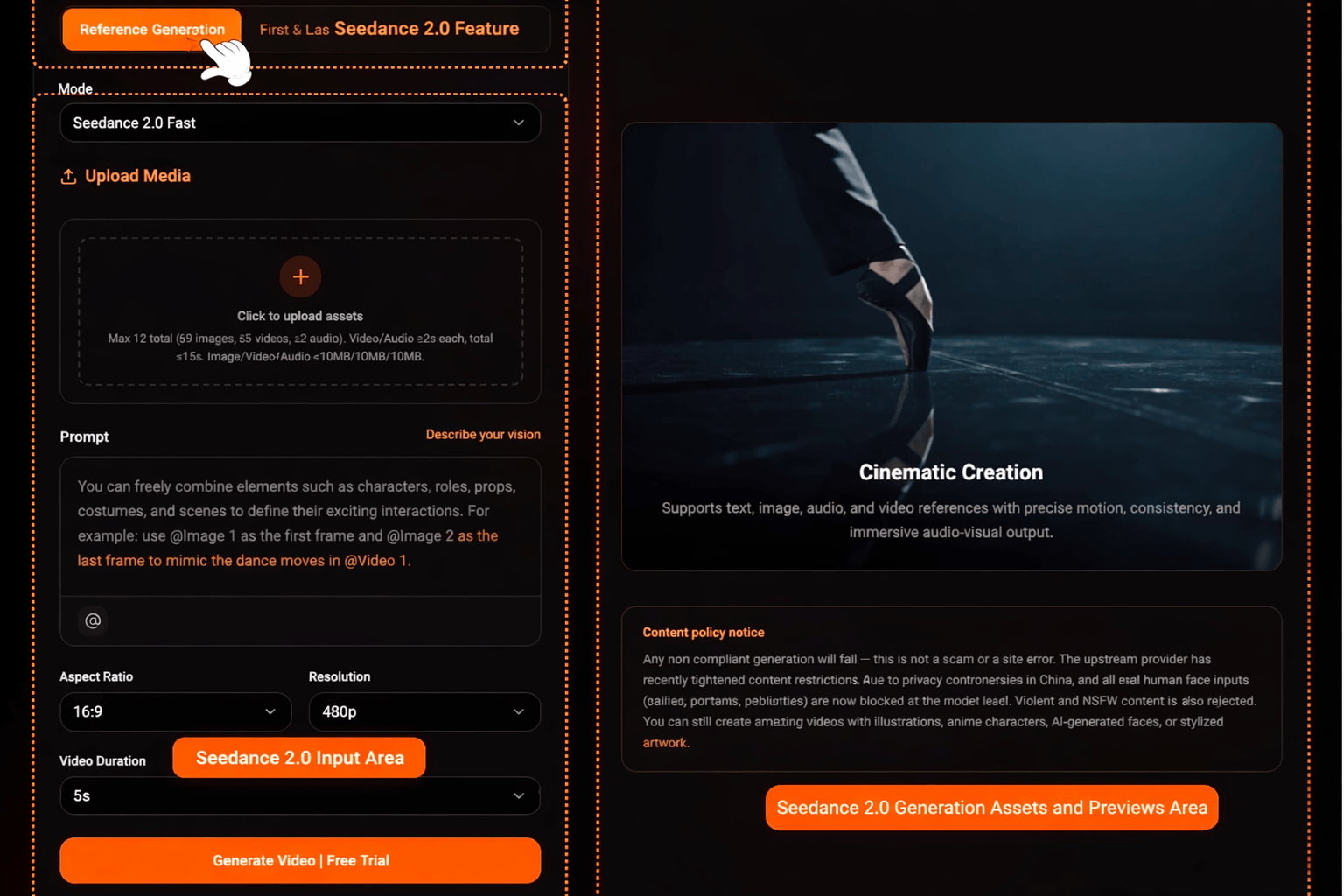
Seedance 2.0 New Capabilities Guide
1. Multimodal Reference
Multimodal guidance is the biggest quality lever here. By combining image, video, and audio references, you can push the model toward stable identity, cleaner movement language, and better rhythmic coherence.
- Image Reference: Lock character appearance, style, or scene elements with reference images. The model accurately replicates these elements in your output.
- Video Reference: Upload a reference video for camera movement, choreography, or motion patterns. The model seamlessly transfers these dynamics to your generation.
- Audio Reference: Use an audio clip to sync rhythm, beats, or dialogue timing. The model generates video and audio in sync with your reference.
Input prompt
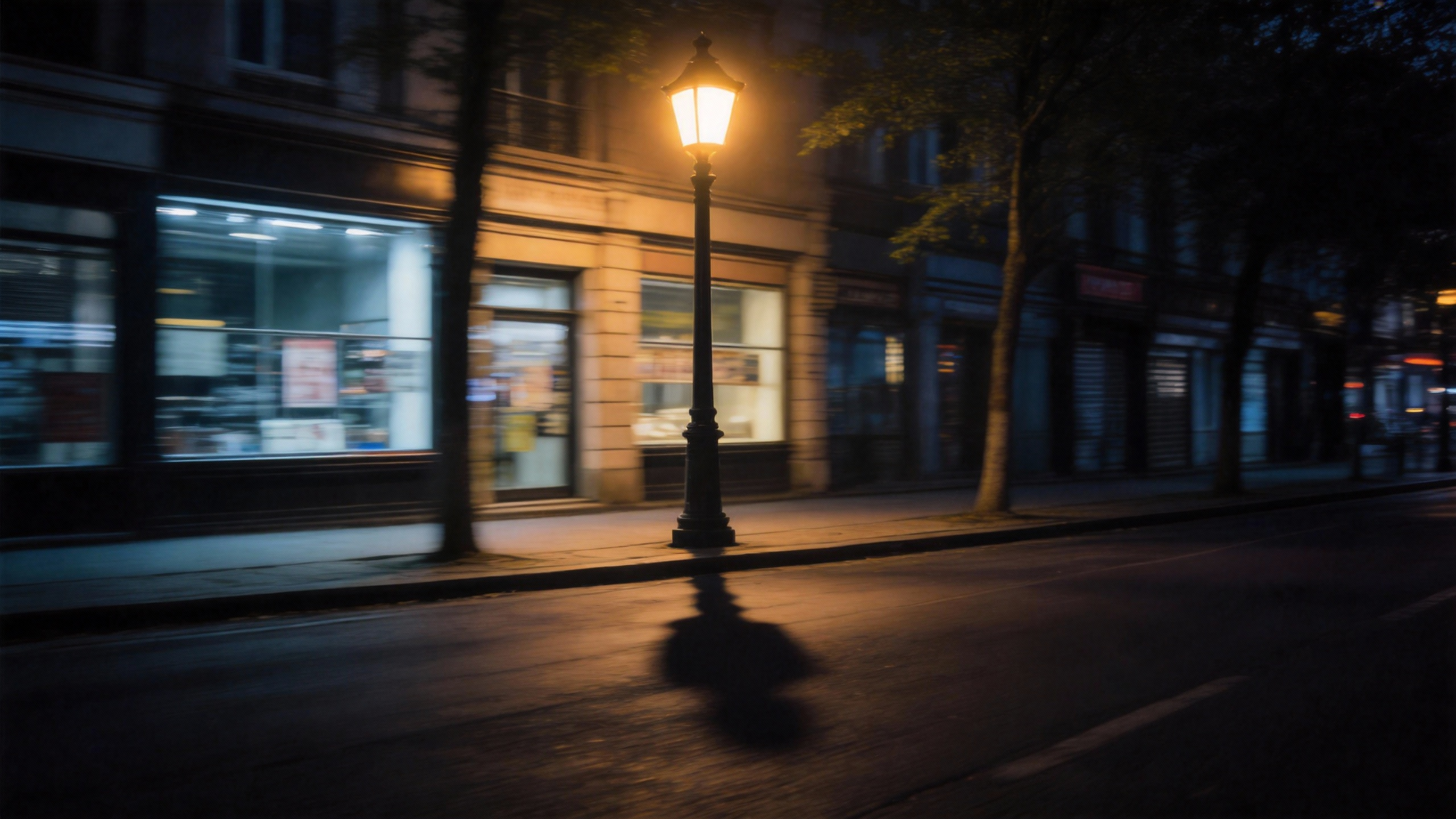
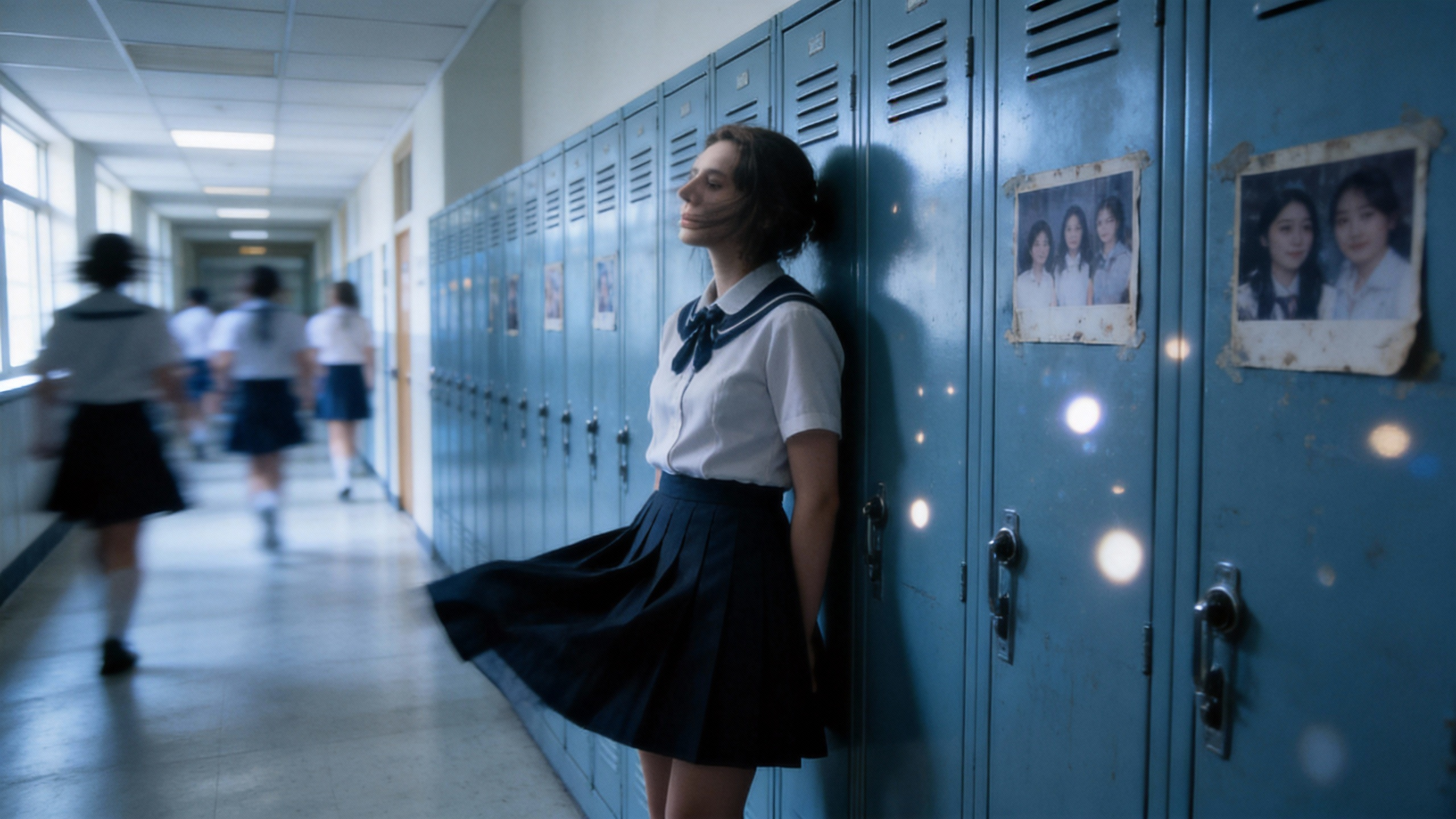
Inspired by Figures 1, 2, 3, 4, and 5, create an emotionally-driven video.
Uploaded assets
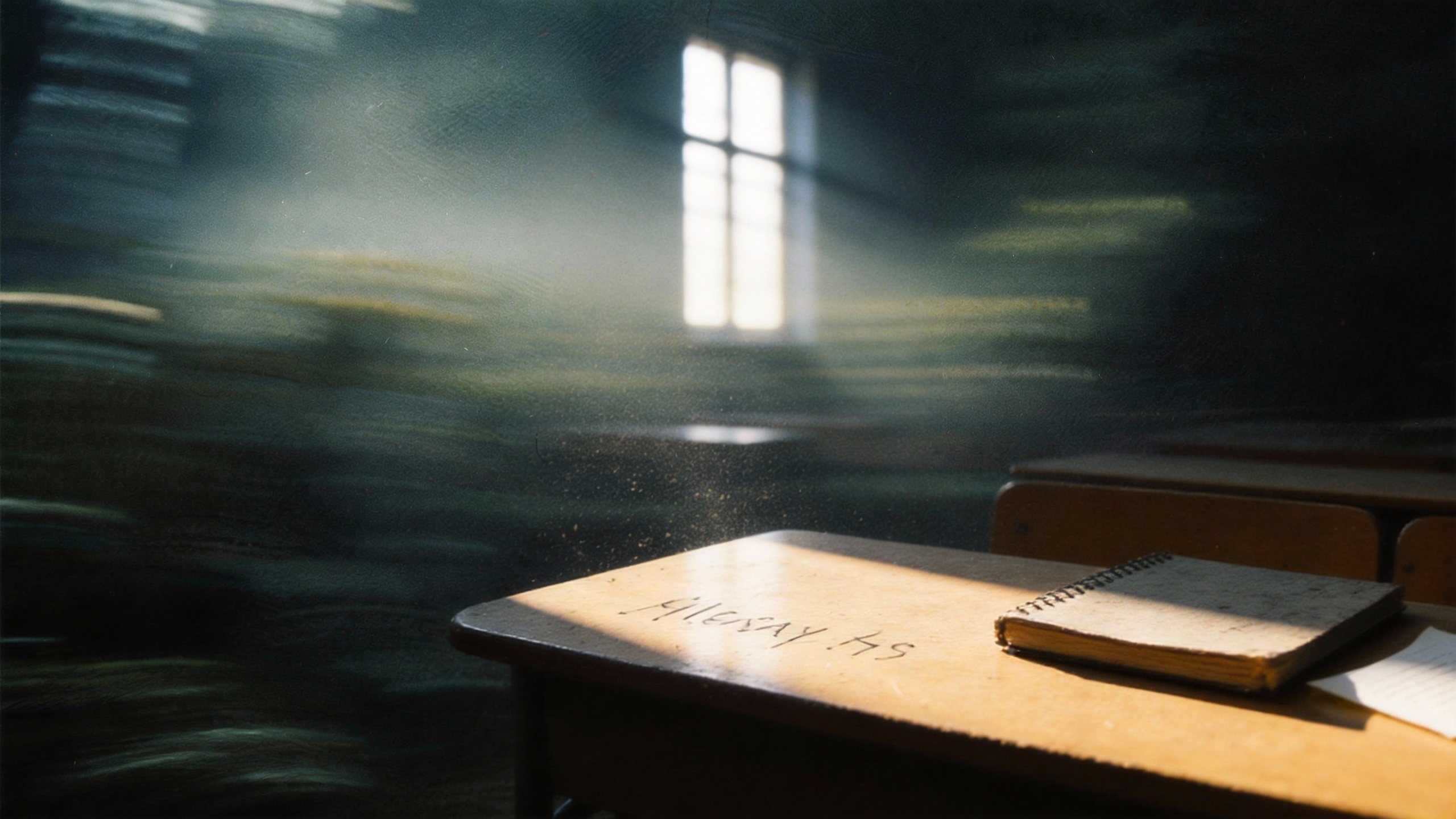

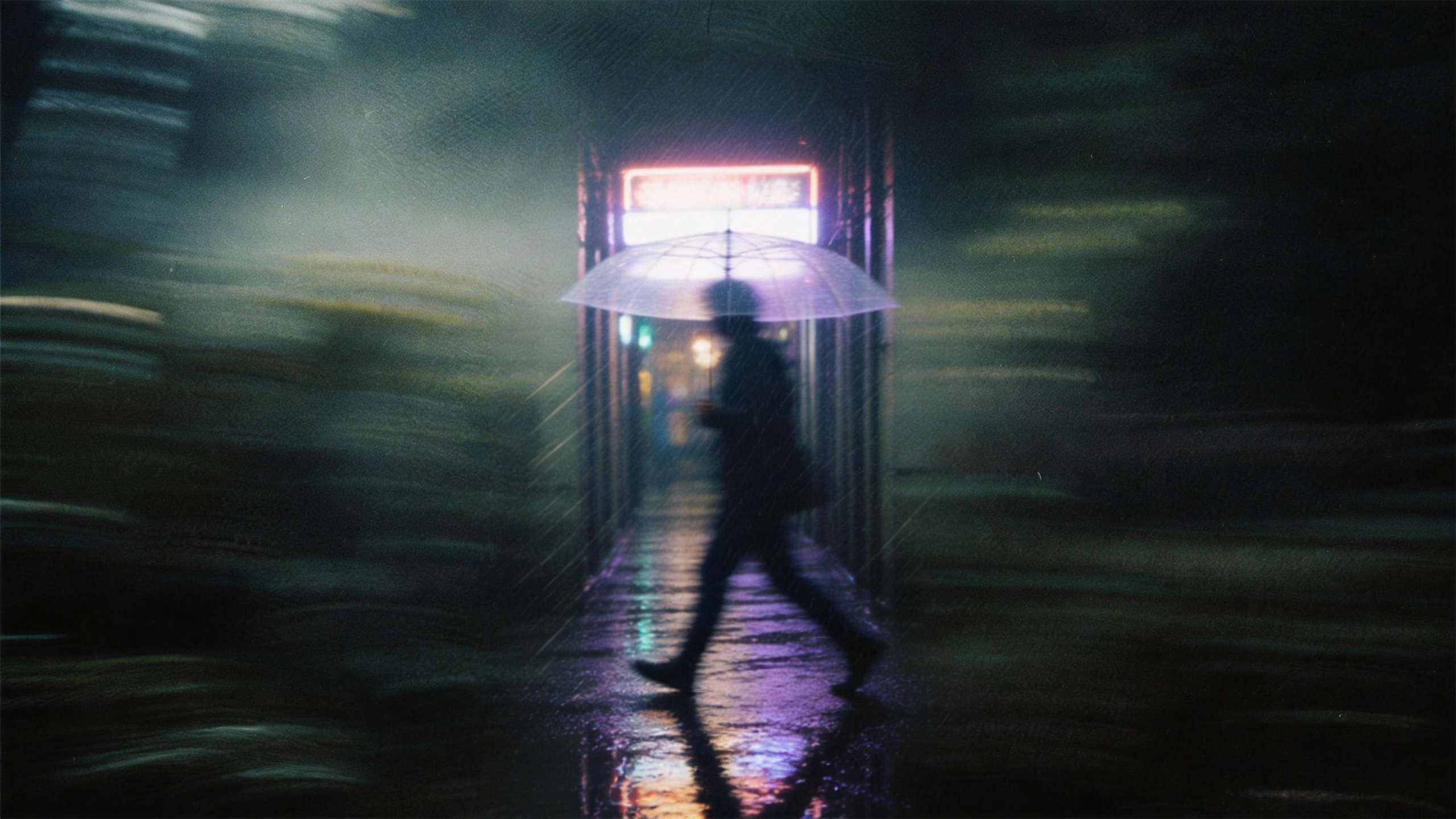
Output video
2. First & Last Frame Control
First-and-last-frame control gives your scene a defined trajectory. Once the opening and ending beats are anchored, the model can interpolate motion and camera progression with fewer unpredictable jumps.
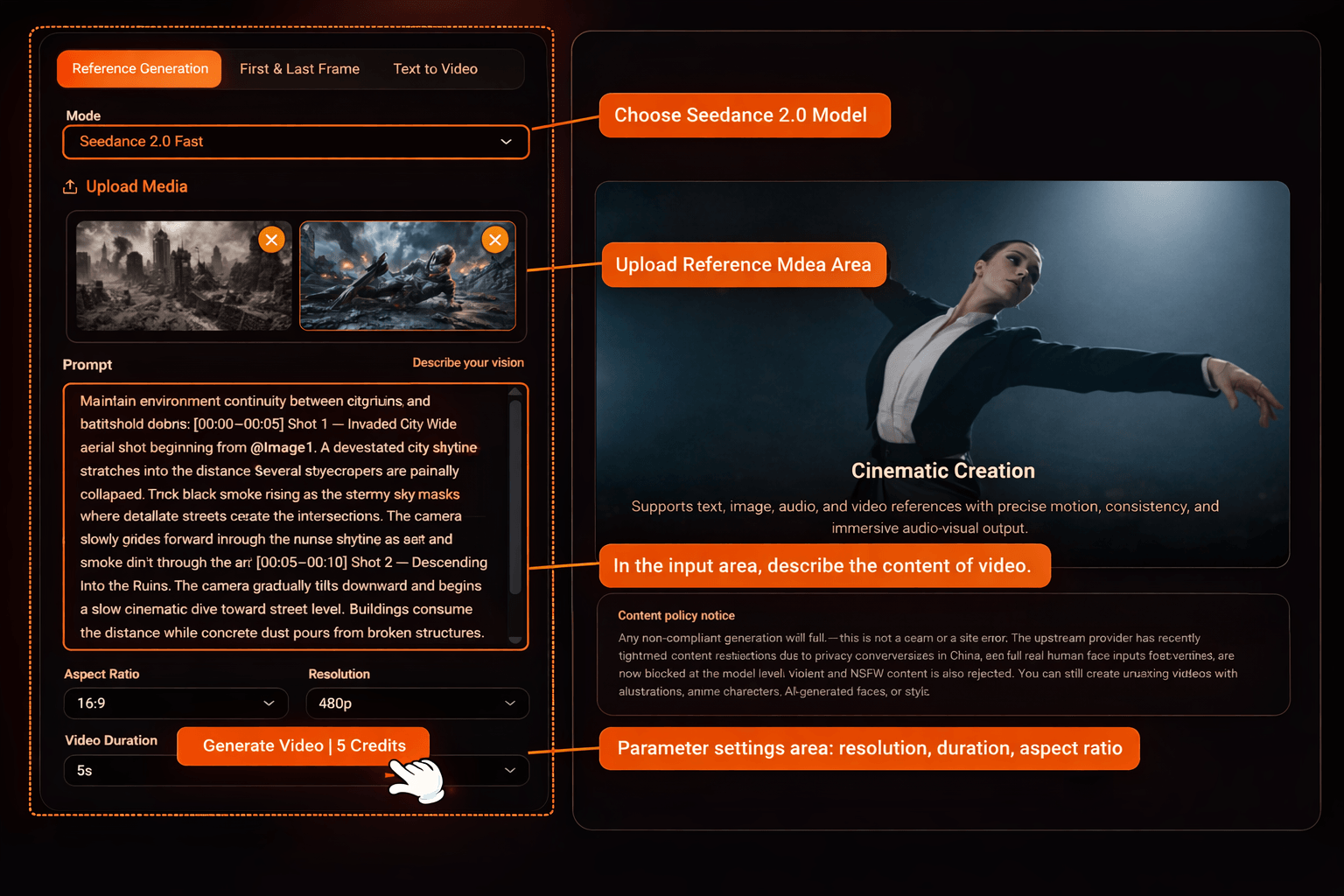
Input prompt
@Image 1 is the first frame. @Image 2 is the last frame. @Image1 as the first frame reference. @Image2 as the final frame reference. Maintain environment continuity between city ruins and battlefield debris. [00:00–00:05] Shot 1 — Invaded City Wide aerial shot beginning exactly from @Image1. A devastated city skyline stretches into the distance. Several skyscrapers are partially collapsed, thick black smoke rising into the stormy sky. Fires burn across streets while debris scatters the intersections. The camera slowly glides forward through the ruined skyline as dust and smoke drift through the air. [00:05–00:10] Shot 2 — Descending Into the Ruins The camera gradually tilts downward and begins a slow cinematic dive toward street level. Buildings crumble in the distance while concrete dust pours from broken floors. The camera passes through rising smoke clouds and falling debris, transitioning from the wide aerial destruction into the ground-level battlefield. [00:10–00:13] Shot 3 — Discovery The camera pushes through the smoke and reveals an alien soldier trapped beneath twisted wreckage and metal debris. Blue lights from its damaged armor flicker. The alien struggles weakly, surrounded by burning rubble and drifting ash. [00:13–00:15] Shot 4 — Final Close-Up The shot settles into the composition of @Image2. Close-up on the wounded alien lying among debris. It groans painfully, lifts its head slightly, and mutters with regret: "We should have attacked the human species…" Smoke rolls behind it while distant explosions echo through the ruined city. Audio: Low apocalyptic ambience, distant building collapses, crackling fires, wind blowing ash, alien breathing and groaning, final line spoken weakly with echoing battlefield atmosphere.
Uploaded assets
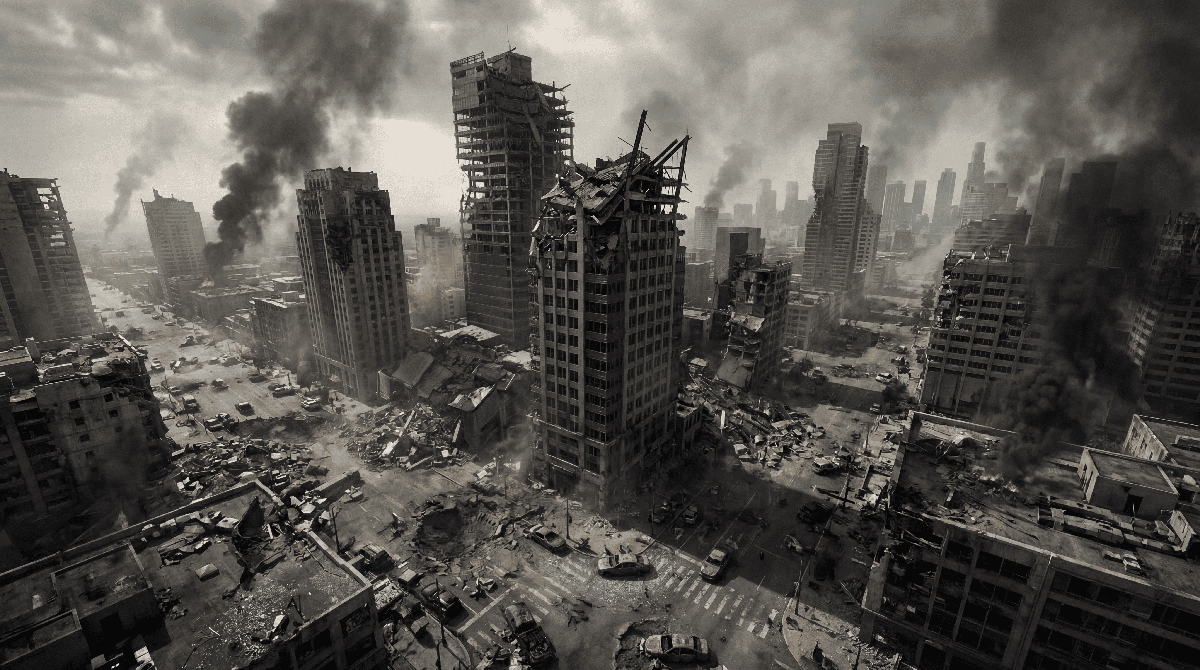

Output video
3. Native Audio & Synchronization
Audio is not an afterthought in this workflow. You can reference speech or music and get visuals that better follow tempo, dialogue beats, and expressive timing for more believable outputs.
Input prompt
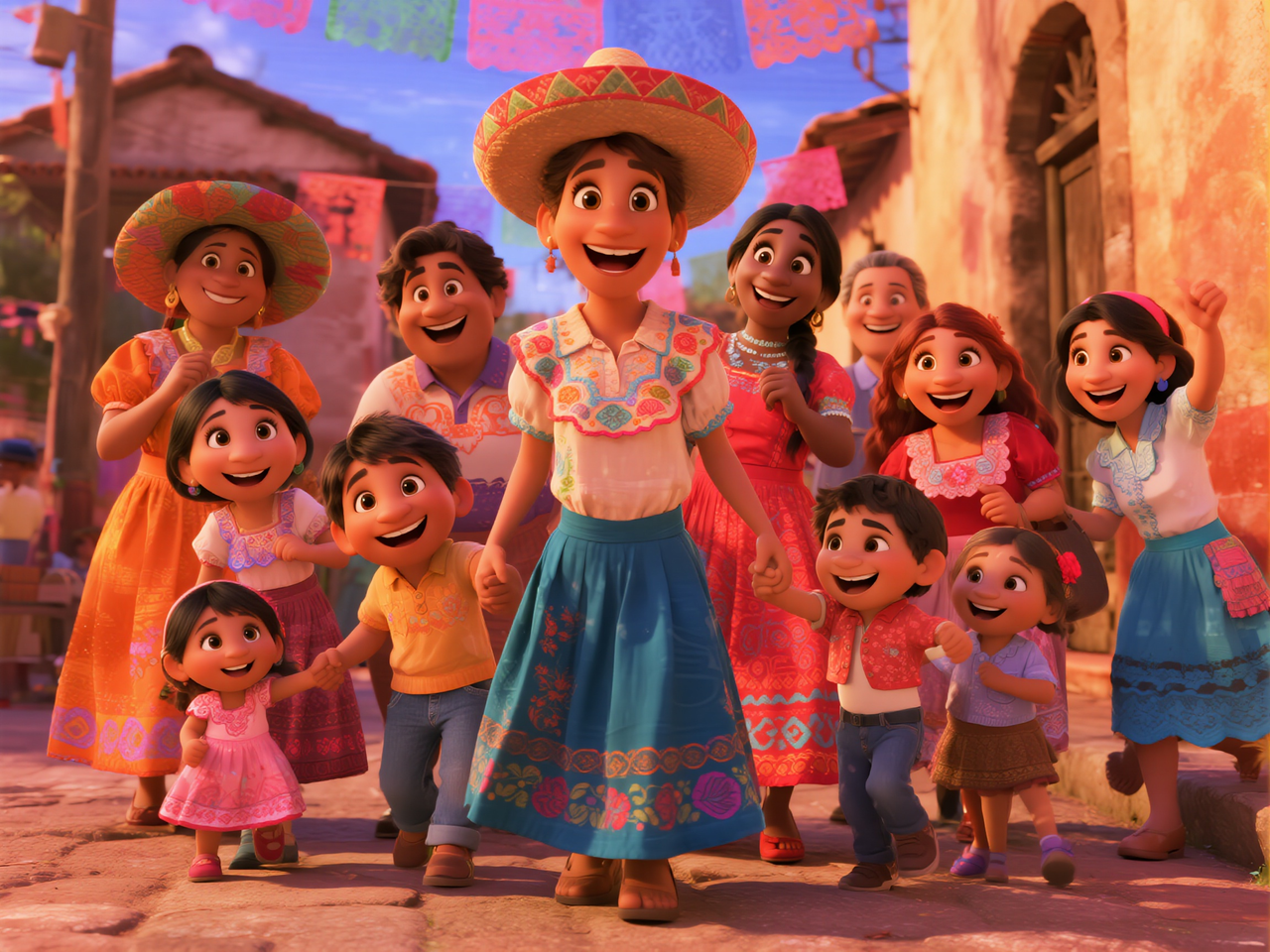
In the middle of the scene, the girl wearing a hat gently sings, saying, "I'm so proud of my family!" Then she turns and embraces the Black girl in the center. The Black girl, moved, replies, "My sweetie, you're the heart of our family," and hugs her back. The boy in yellow on the left happily says, "Folks, let's dance together to celebrate!" The girl on the far right immediately responds, "I'll bring the music!" Latin music plays in the background. The woman on the left wearing an orange dress (Julieta) smiles and nods, while the woman on the right with braids (Luisa) clenches her fists and swings her arms. Some people in the crowd start tapping their feet, the children clap along to the rhythm, and the entire family is about to form a circle. To the cheerful music, with skirts flying, they dance joyfully through the colorful streets, spreading joy and warmth.
Reference image
Output video
4. Generation Settings & Parameters
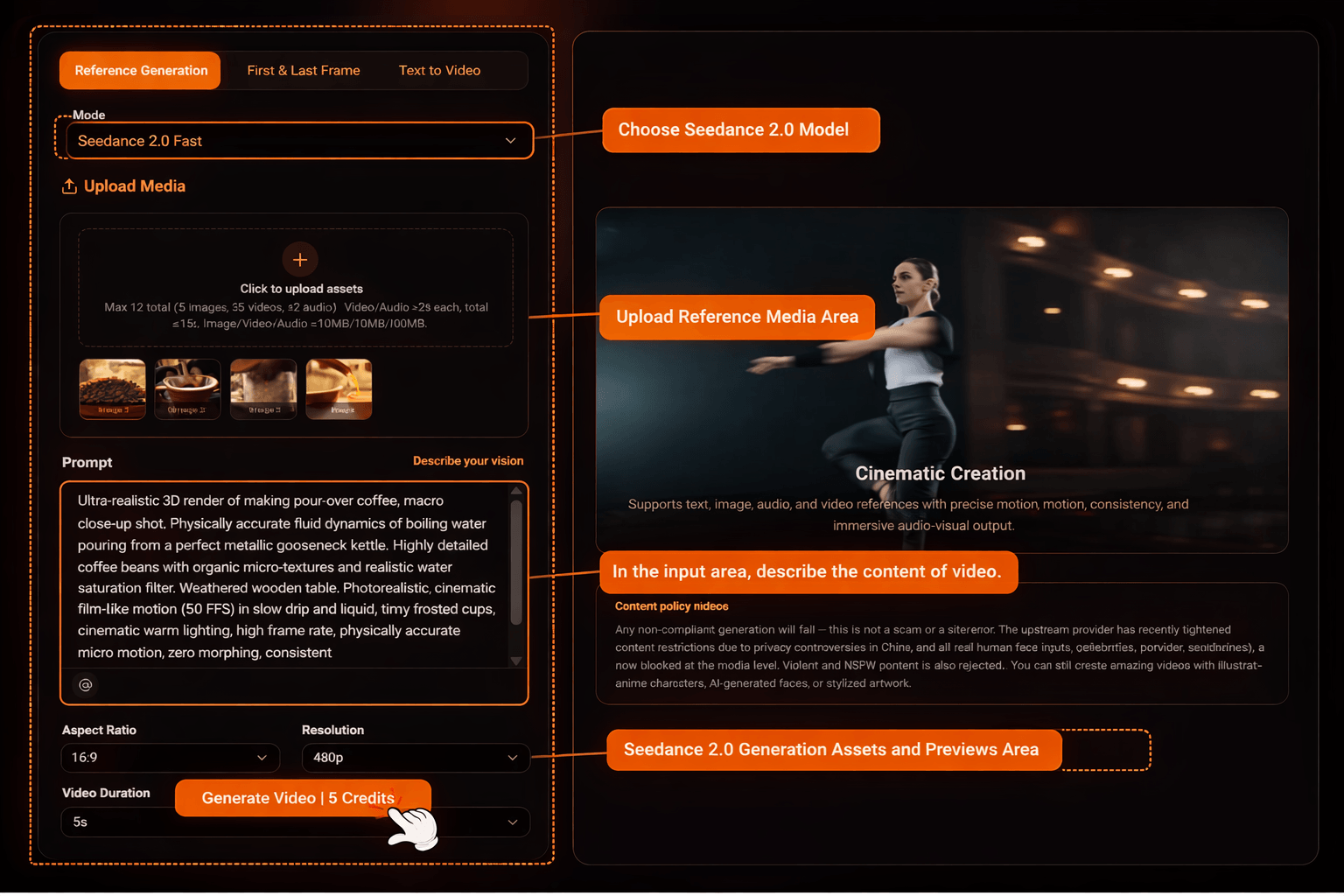
Strong results usually come from setup discipline. Before generating, align key parameters with your publishing target so you are not wasting credits on mismatched formats.
- [Aspect Ratio] : Choose 16:9 for cinematic, 9:16 for social media, or 1:1 for square formats.
- [Resolution] : Select between 480p, 720p, and 1080p Ultra HD.
- [Duration] : Choose 5s, 10s, or the maximum 15s.
- [File Limits] : Images/Audio must be < 10MB. Videos must be <50MB and at least 2s long.
Input prompt
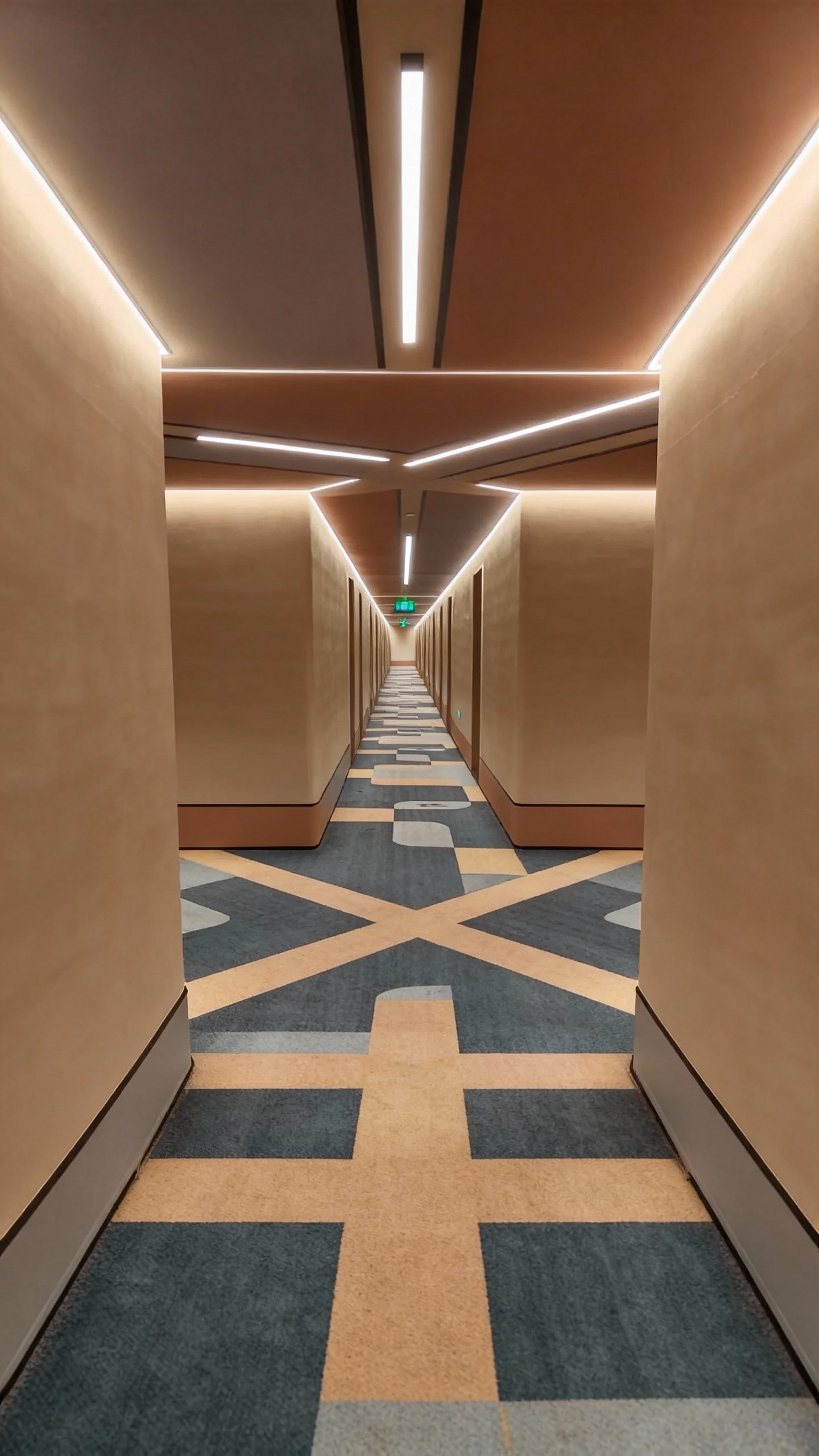
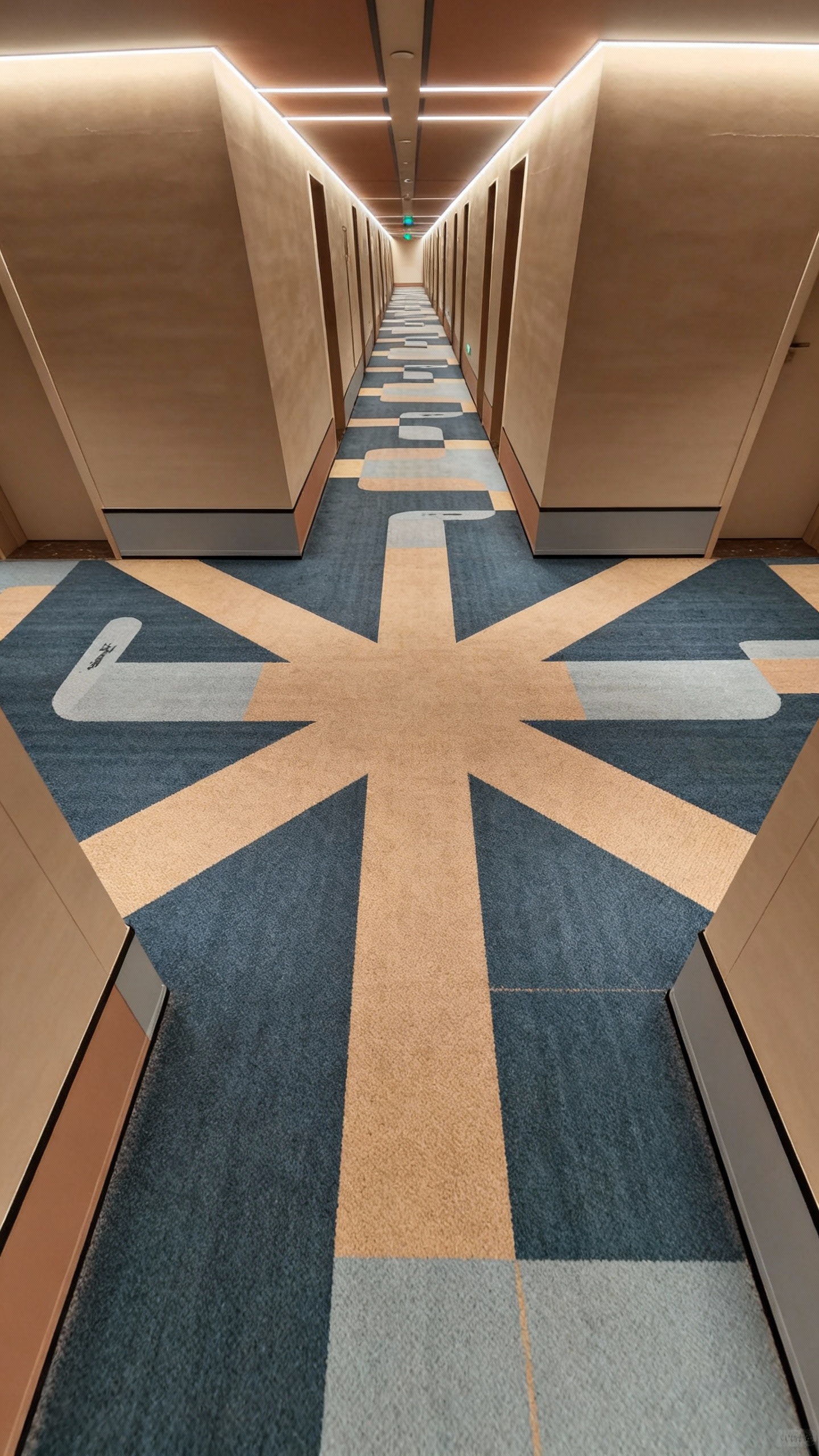
Refer to the image of the man in @Figure 1; he is in the corridor of @Figure 2, fully referencing all camera movements from @Video 1, as well as the main character's facial expressions. The camera follows the main character running around a corner in @Figure 2, then in the long corridor of @Figure 3, the camera moves from a rear-following perspective, circling from a low angle to the front of the main character; the camera then pans right 90 degrees to shoot the fork in @Image 4, stops abruptly, then pans right 180 degrees to shoot a close-up of the main character's face: the main character is panting, the camera follows the main character's perspective looking around, referencing the rapid left-right circling camera movements in @Video 1 to display the scene, then pulls back to the scene in @Image 5, continuing to follow the main character's side view while running.
Uploaded assets
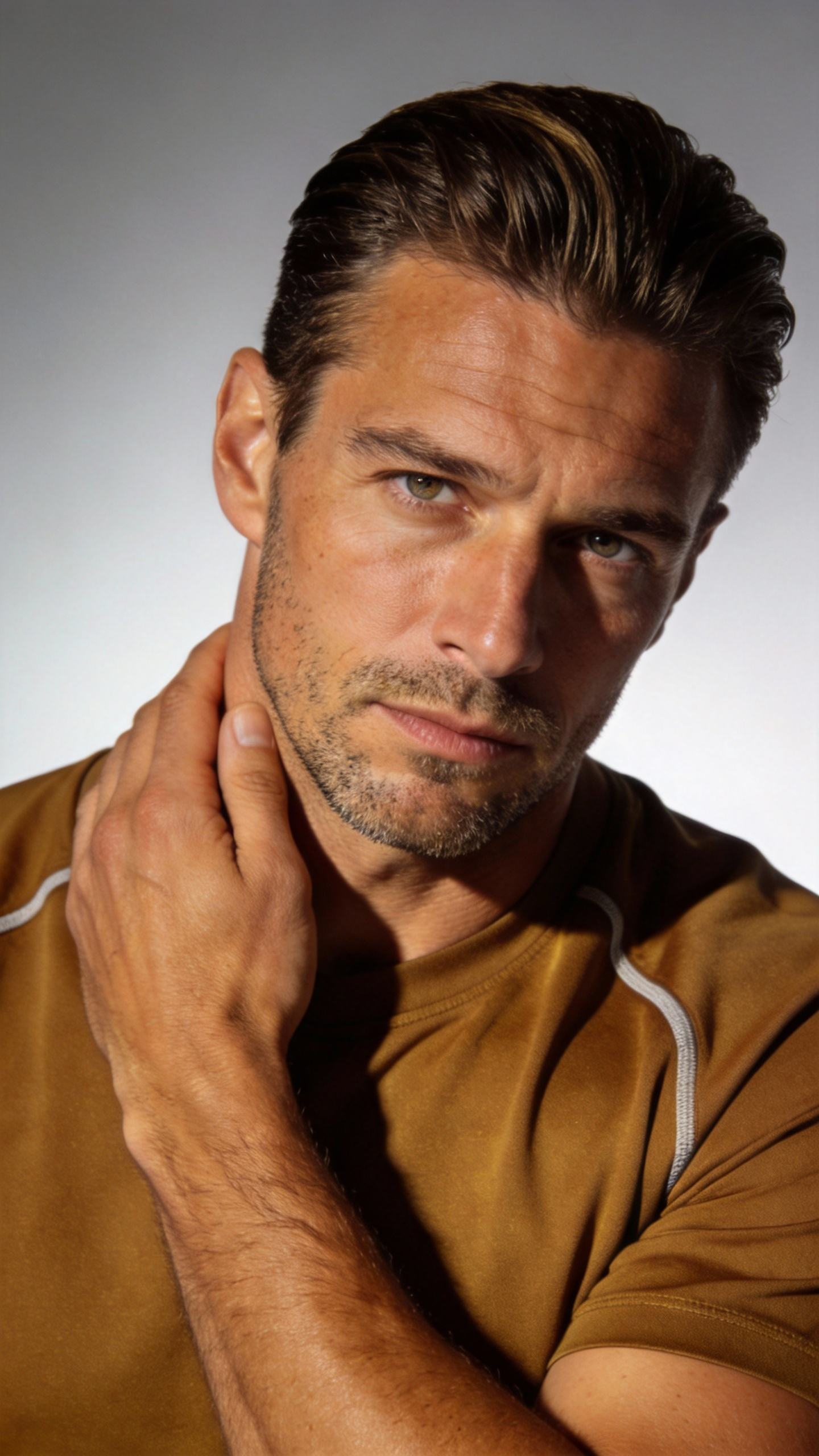
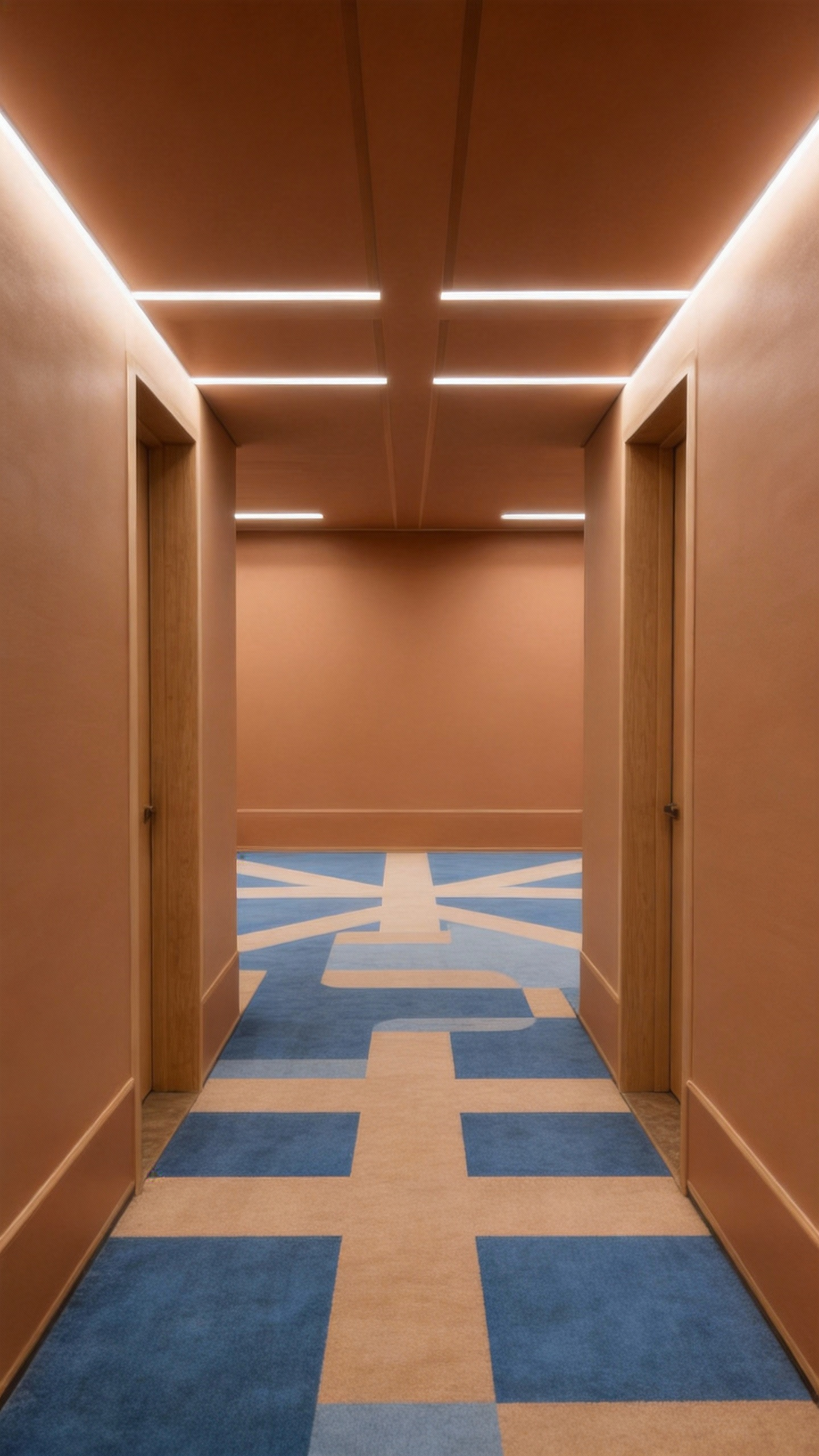
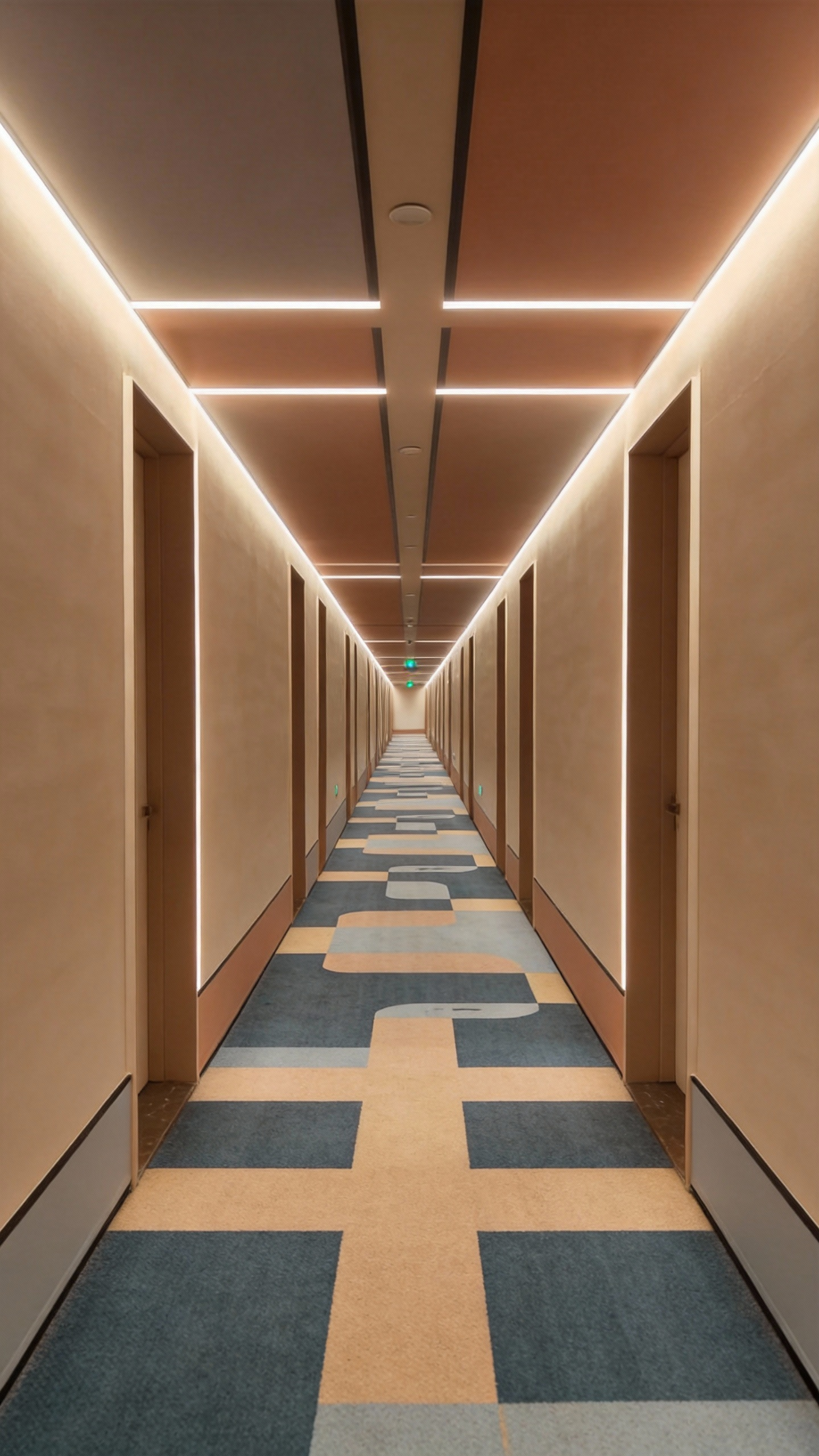
Output video
5. 15-Second Cinematic Generation
The 15-second window is where Seedance 2.0 becomes more useful for real story beats: enough time for transitions, pacing shifts, and scene intent without cutting your concept into disconnected fragments.
Input prompt
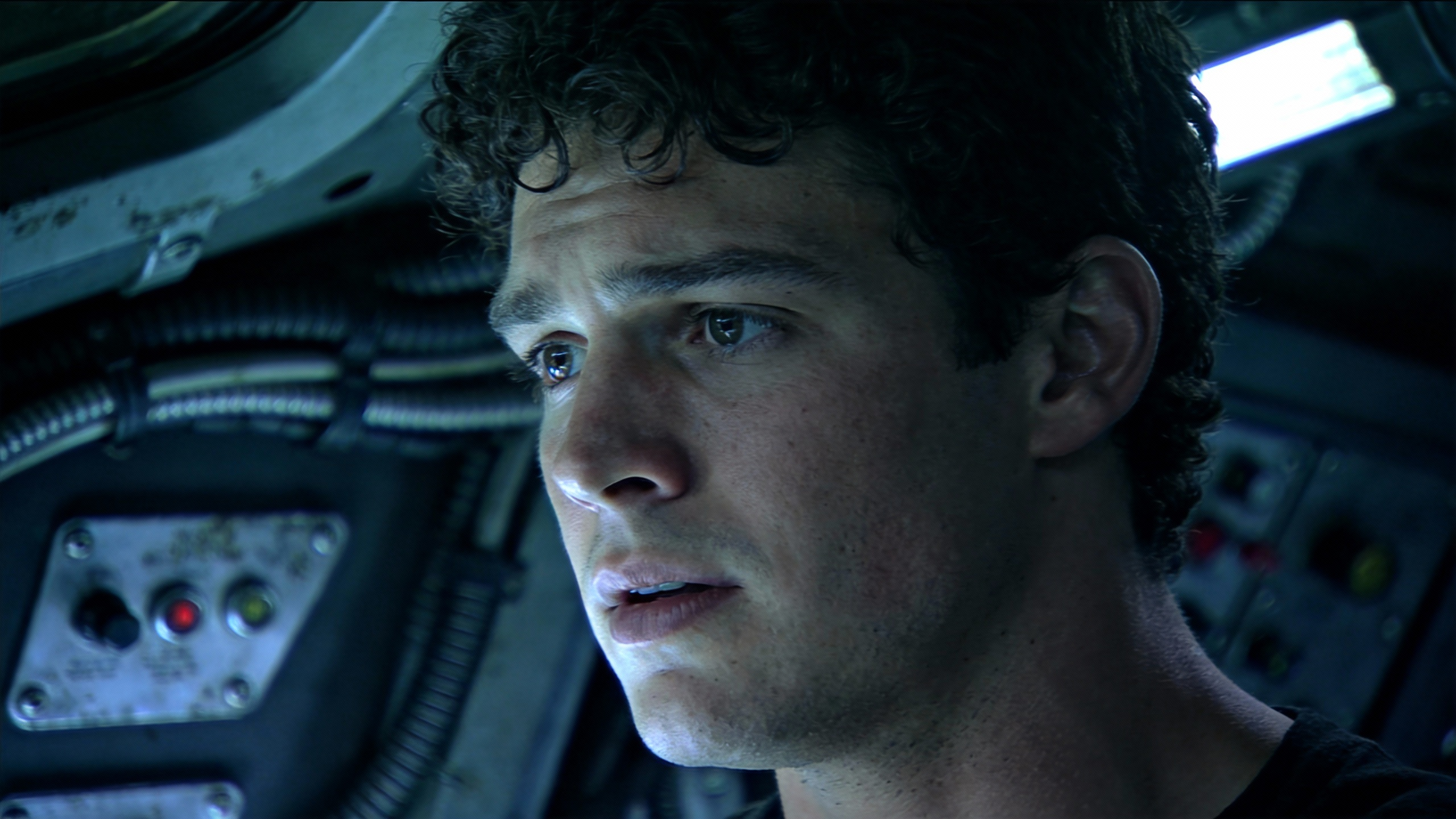
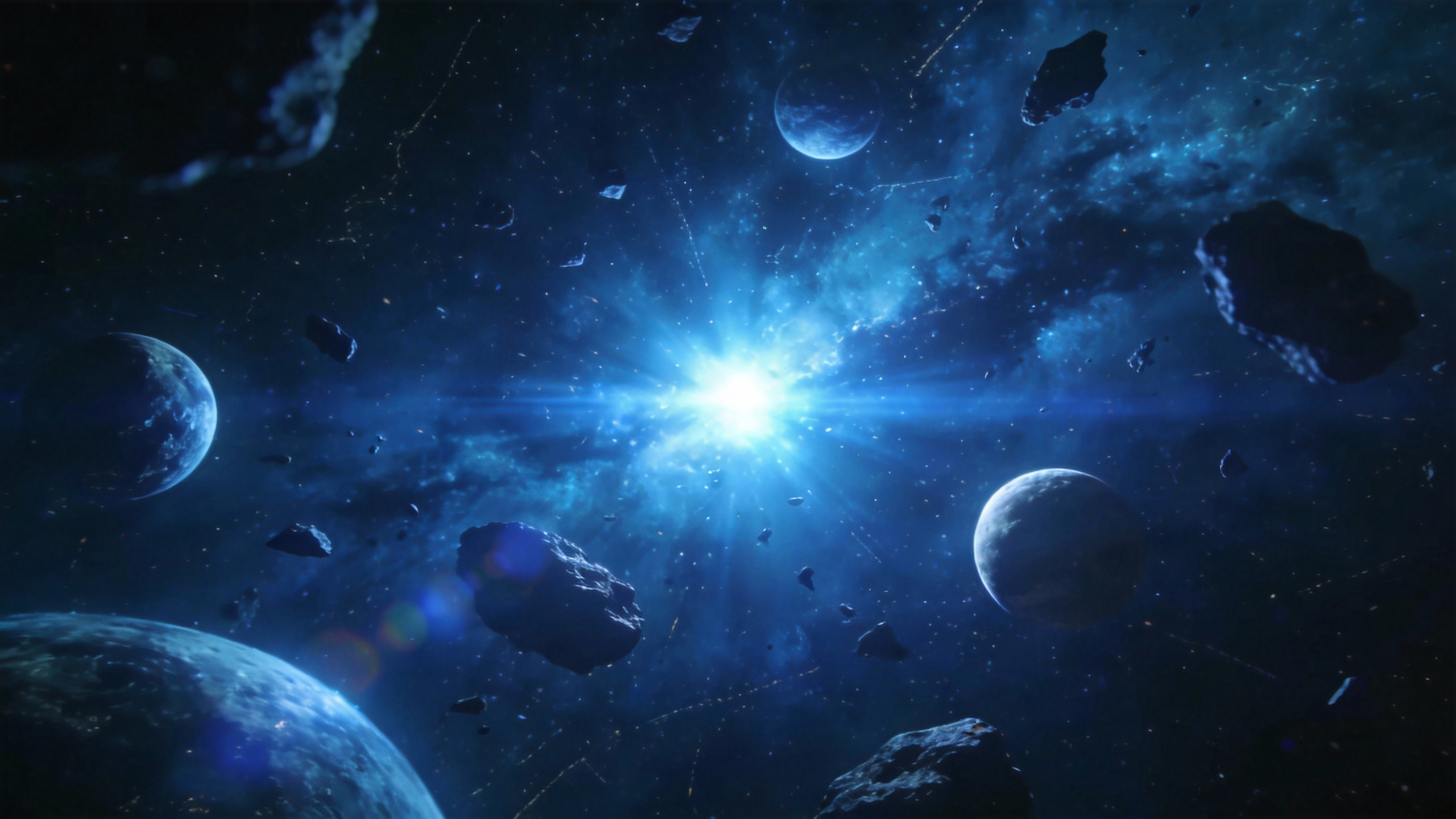
Replace the character in @Video1 with @Image1, where @Image1 is the first frame, and the character wears virtual sci-fi glasses. Follow the camera movements of @Video1, including close panoramic shots, switching from a third-person perspective to the character's first-person perspective. Travel through the AI virtual glasses to the deep blue universe of @Image2, where several spaceships fly off into the distance. The camera follows the spaceships as they travel to the pixel world of @Image3, flying low over the pixelated mountains and forests, showing the growth patterns of the trees. Then, the perspective tilts up and rapidly moves to the light green textured planet of @Image4, with the camera passing over and skimming across the planet's surface.
Uploaded assets
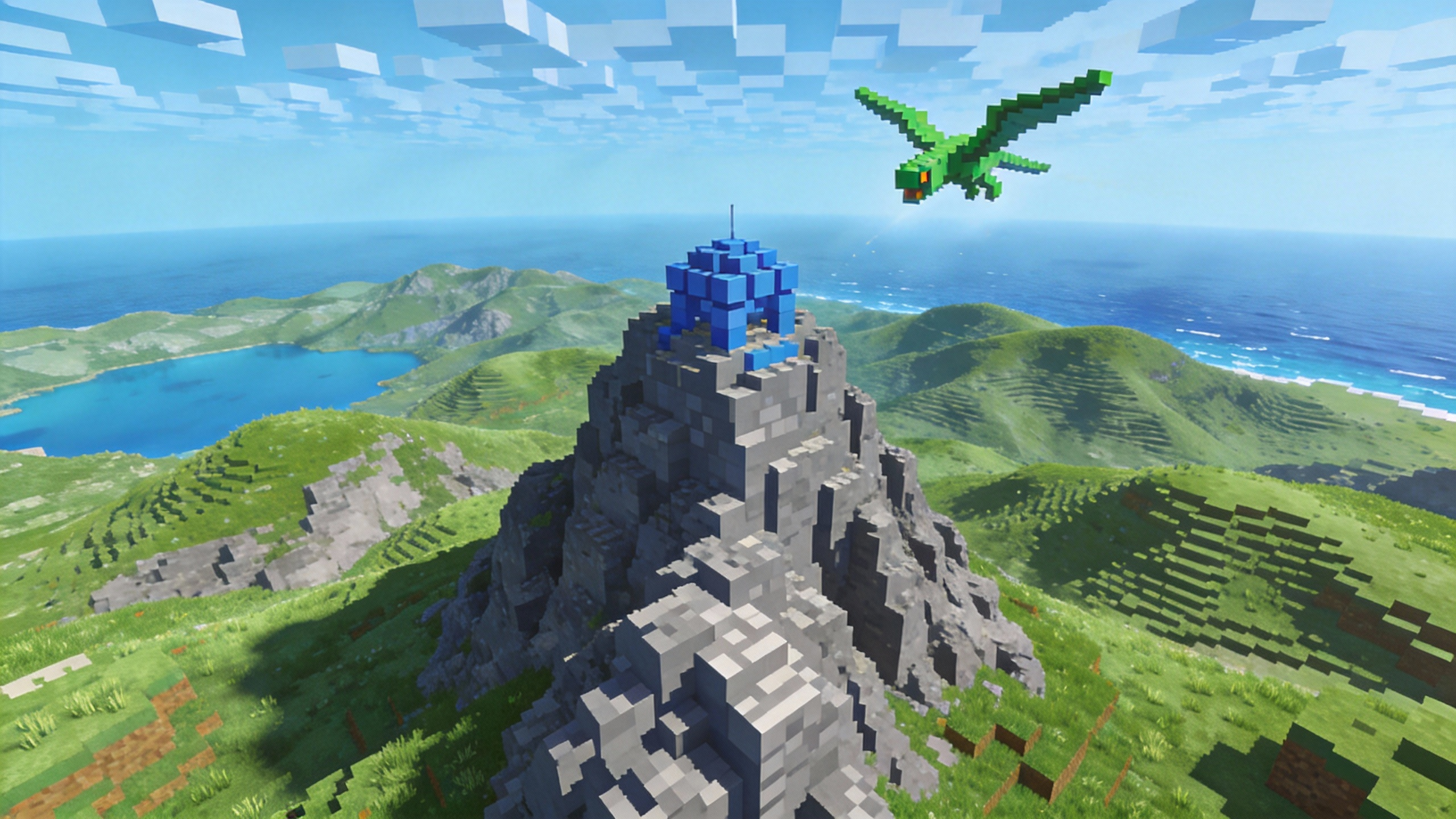
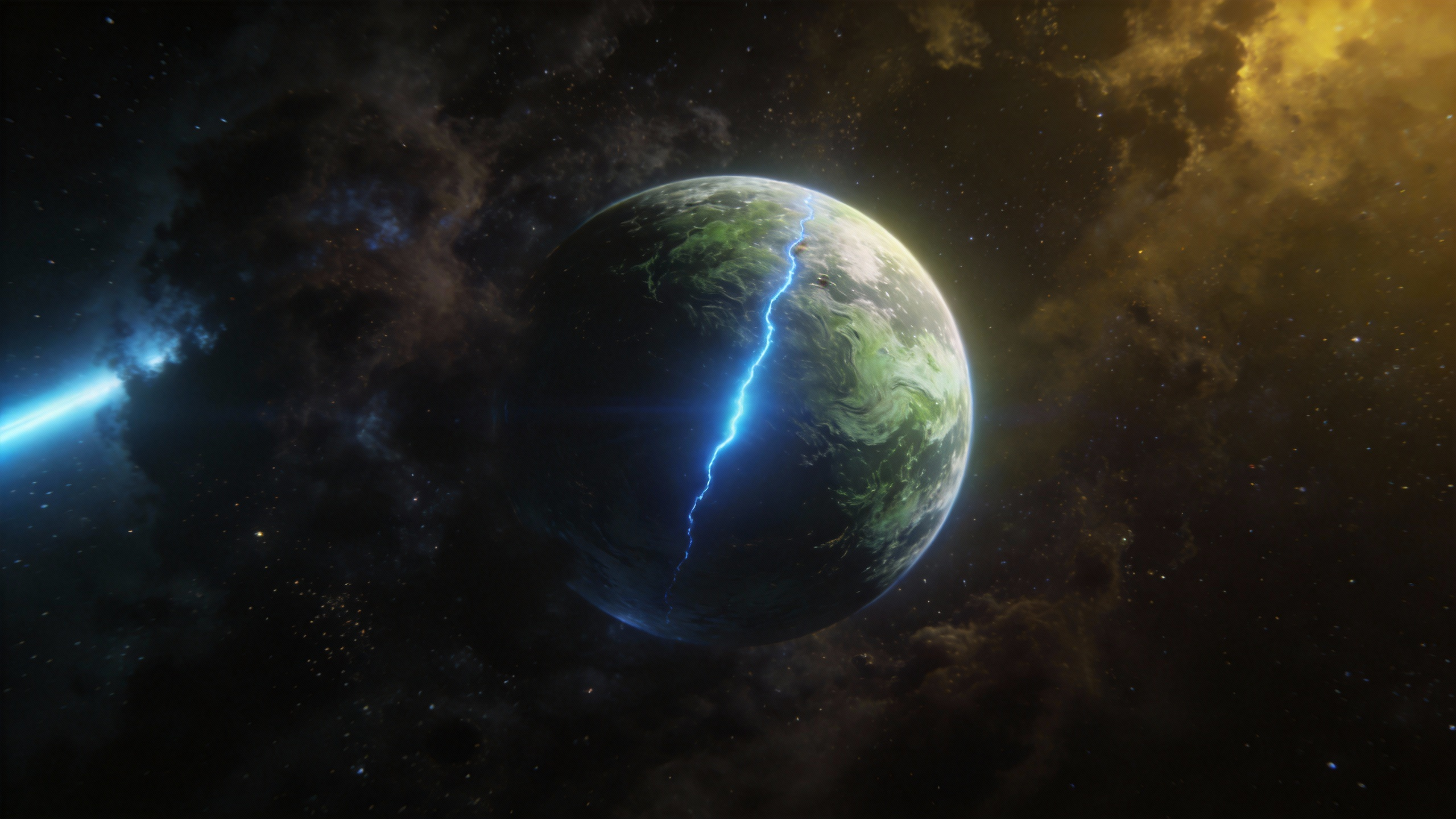
Output video
Frequently Asked Questions
What are the supported input materials and limits?
Image Input: Supports jpeg, png, webp, bmp, tiff, and gif formats. You can upload up to 9 images, each under 30 MB.
Video Input: Supports mp4 and mov. Up to 3 videos with total duration between 2 and 15 seconds, each under 50 MB. Supported pixel range: 409600 (640×640, 480p) to 927408 (834×1112, 720p). Reference videos will cost slightly more.
Audio Input: Supports mp3 and wav. Up to 3 files with total duration not exceeding 15 seconds, each under 15 MB.
Text Input: Natural language prompts.
Generation Duration: Up to 15 seconds, freely selectable between 4–15 seconds.
Audio Output: Built-in sound effects and background music.
Interaction Limits: The total mixed-input limit is 12 files. For better outcomes, prioritize references that most influence style, motion, and timing.
Can I edit or extend a video after generation?
Yes. You can extend the scene with continuation prompts, then refine the result through trimming and replacement tools. This iterative flow is useful when you want to improve quality without rebuilding from scratch.
How many credits does it cost to generate a video?
Credit consumption depends on output settings. A 15-second 1080p clip with native audio will cost more than a 5-second 480p silent clip. Check our Pricing Page for current packages and plan details.
Turn Concepts into Polished AI Video with Seedance 2.0
Build cinematic outputs with stronger motion logic, tighter sync, and more controllable scene direction without heavy post-production overhead.